
Content Strategy: Interactive Content for Engagement
Most marketing content is still consumed passively. A blog is read. A video is watched. An infographic is scanned. But truly memorable content is experienced—and interactive content delivers that experience. From calculators to quizzes, polls to custom workflows, interactive formats invite users to participate, rather than observe. And in today’s oversaturated content environment, participation is the key to attention.
 In this latest article in my Content Strategy series, I show you how interactive content is more than a gimmick. It’s a powerful way to increase time on page, generate first-party data, improve conversion rates, and make your brand more memorable. Best of all, it creates a feedback loop—one where the user not only engages but receives something in return, whether that’s insight, entertainment, or value.
Creative Ideas to Boost Engagement
Let’s explore several types of interactive content that marketers can use to deepen engagement, differentiate their brand, and drive measurable results.
Quizzes: Personalization Meets Play
Quizzes combine entertainment with insight. Whether it’s “What’s Your Marketing Superpower?” or “Are You Ready to Retire?”, quizzes offer immediate value: they help the user learn something about themselves. In return, the brand gains valuable engagement time, and often, contact details through gated results.
What makes quizzes effective is that they feel like a two-way conversation. Rather than passively reading content, the user is answering questions and receiving tailored feedback. For marketers, this creates an opportunity to segment audiences, deliver personalized offers, or guide users to relevant content.
Best practices:
-
- Keep quizzes short and focused (5–7 questions is ideal).
- Personalize results and include helpful next steps or CTAs.
- Use quizzes early in the funnel for lead capture and qualification.
Calculators: High-Value Utility Tools
Calculators are among the most useful—and underused—interactive content formats. They work especially well in industries where numbers drive decisions: finance, real estate, SaaS pricing, ROI modeling, or health. For example, I’ve worked with several Microsoft 365 ISVs to develop simple calculators for their websites to help illustrate how their software can save 3x to 5x the cost of their solutions.
A good calculator solves a problem the user actively wants to figure out, such as how much they need to save, what size budget they need, or what package is right for them. It builds trust because it empowers the user to self-assess, and often, it becomes a shareable tool that others want to pass along.
Best practices:
-
- Focus on solving a specific user question with clear inputs and outputs.
- Gate advanced insights behind an optional email form.
- Optimize for mobile—most users will use these tools on their phones.
Polls and Micro-Surveys: Fast Feedback and Insight
Polls and micro-surveys are simple to implement and highly effective at sparking engagement, particularly on social media or in email newsletters. They invite participation in a single click and provide instant feedback, which satisfies user curiosity while gathering real-time sentiment or preferences.
Beyond engagement, polls can be used to crowdsource topics, validate product ideas, or tailor content to the audience’s interests. When shared back with the community (e.g., “50% of readers chose this option”), they also create a sense of collective experience.
Best practices:
-
- Keep them short (1–3 questions max).
- Close the loop by sharing the results.
- Use them as an entry point for deeper discussions or follow-up content.
Interactive Infographics: Tap to Explore
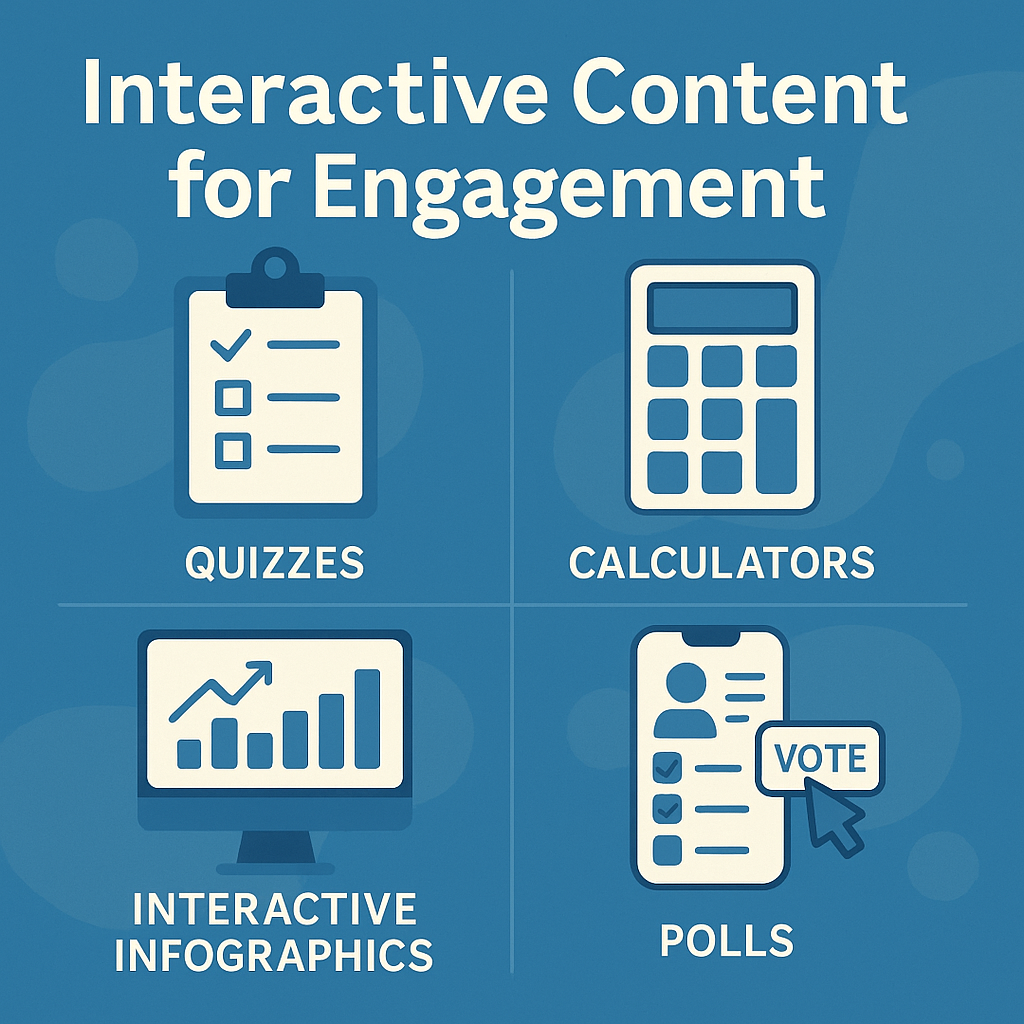 Traditional infographics are great at conveying information visually, but they’re still one-way communication. By making elements clickable—revealing layers, filtering views, or highlighting comparisons—you can turn passive viewers into active explorers.
This type of interaction boosts time-on-page and makes data more digestible, especially for complex or multi-step concepts. It’s an ideal format for visual learners and great for thought leadership pieces, industry reports, or technical documentation.
Best practices:
-
- Use motion or hover effects to guide interaction.
- Keep interactions simple and intuitive—don’t over-engineer.
- Highlight one key insight per interaction to avoid overload.
Guided Workflows and Assessments
If your content is meant to educate or advise, guided workflows are a fantastic way to add interactivity. These structured, decision-based experiences help users diagnose a problem, explore a solution, or chart a personalized path forward—while quietly collecting valuable data about their preferences and needs.
This format works especially well for product or service recommendations. Think of it as “choose your own adventure” meets lead nurturing.
Best practices:
-
- Design a clear flow with no more than 3–5 steps.
- Keep the user focused with clean design and clear prompts.
- Offer a summary at the end with a CTA or downloadable asset.
Interactive Video: Engagement in Motion
Video already performs well—but interactive video takes that engagement further. Whether it’s clickable hotspots, choose-your-path storytelling, or embedded forms within the video player, this format increases viewer involvement and data capture without interrupting the flow.
For example, you might offer a product demo where users can click to learn more about different features, or a training video with embedded quizzes to test comprehension. These experiences feel modern and immersive, and they’re a perfect fit for high-value, mid-funnel content.
Best practices:
-
- Keep videos under 3 minutes if possible.
- Introduce interactions early to set expectations.
- Use analytics to track where users click or drop off.
Gamified Progress Trackers
As I covered in a past article, gamification and interactivity go hand-in-hand. By building interactive progress trackers—whether it’s a content journey, onboarding path, or multi-part email series—you allow users to visualize their journey and feel a sense of accomplishment. These experiences turn passive browsing into a goal-driven flow that encourages return visits and deeper engagement.
They can also be used to unlock content gradually, building anticipation while driving consistent re-engagement.
Best practices:
-
- Tie each step to a milestone or reward.
- Provide visual progress indicators and clear next steps.
- Use gated or hidden content as an incentive to complete the journey.
Final Thoughts: Make Content Work Harder
Interactive content isn’t just flashy—it’s functional. It earns attention in a crowded feed, adds tangible value to the user experience, and generates rich signals for marketers to act on. While not every piece of content needs to be interactive, adding these formats to your toolkit helps diversify your strategy, keep users engaged longer, and gain more insight into what’s working.
Start with one idea—a quiz, a calculator, a poll—and test how your audience responds. Once you find what clicks, expand and optimize from there. As part of a broader content strategy, interactive tools give your users a reason to stick around, come back, and share what they’ve found.