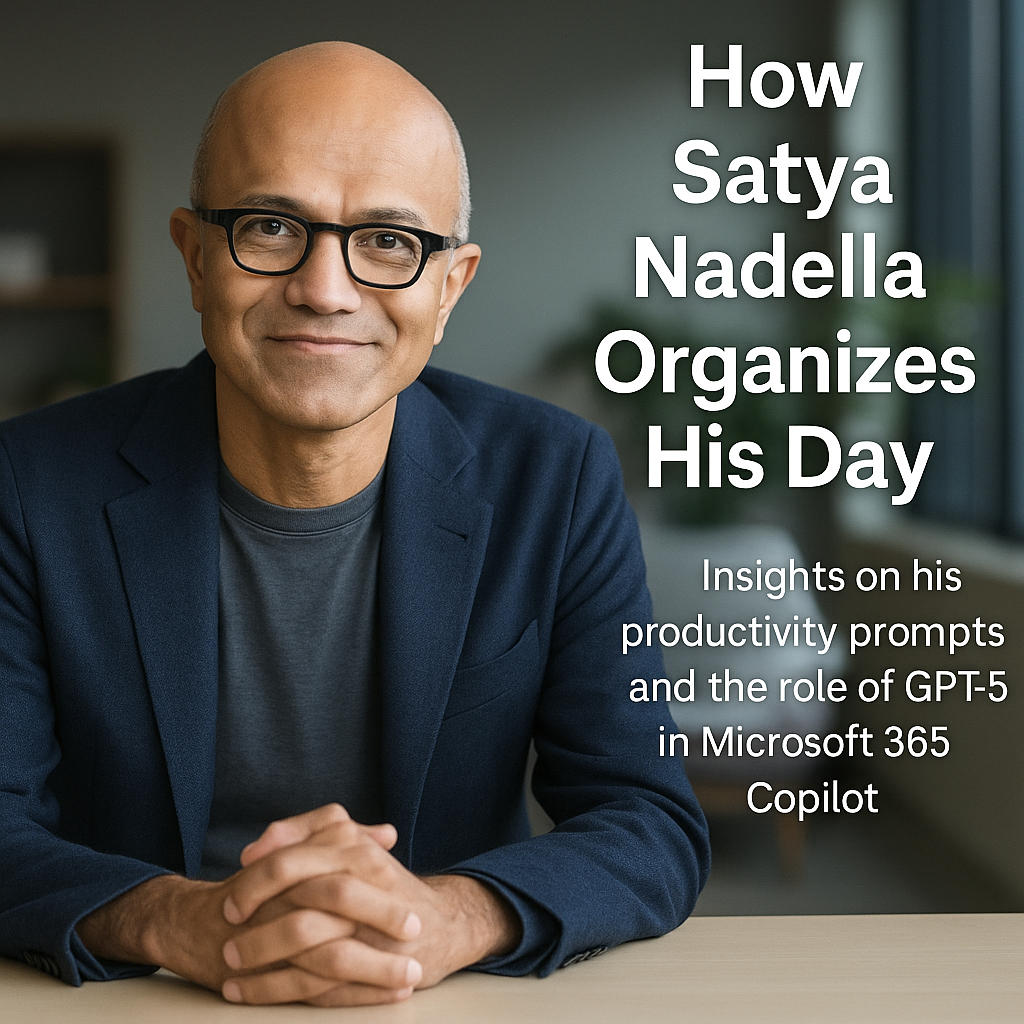
How Satya Nadella Organizes His Day
Earlier this month, Microsoft quietly dropped a major update that’s going to reshape how millions of professionals work: GPT-5 is now fully integrated into Microsoft 365 Copilot and Copilot Studio, and it’s available globally.
 The technical upgrades are impressive. Copilot can now process documents up to 100,000 tokens, switch intelligently between fast-response and deep-reasoning engines, and deliver more nuanced, human-like insights. But the real story isn’t just about horsepower. It’s about what this actually enables — especially when paired with Microsoft’s deep integration across Outlook, Teams, Word, Excel, and the rest of the 365 suite.
Unlike public-facing AI tools, Microsoft Copilot never uses your company’s data to train models. Your documents, calendars, messages, and content stay inside your environment. For organizations that run on Microsoft tools and value control over their data, that’s a game-changer.
What does that look like in practice? One of the most telling examples came straight from Satya Nadella himself. In a recent Associated Press article covering the announcement, he shared the five prompts he uses to run his day. Not theoretical. Not aspirational. These are real, practical, and built for speed, clarity, and impact.
- The first prompt helps him step into any meeting with an edge: “Based on my prior interactions with [/person], give me 5 things likely top of mind for our next meeting.” It’s a simple way to surface the other person’s likely priorities, so the conversation starts where it matters most.
- The second prompt focuses on situational awareness. He asks Copilot to draft a full project update across emails, chats, and meetings: KPIs versus targets, wins and losses, risks, and likely tough questions. The result isn’t just a recap — it’s a strategic briefing pulled from the noise.
- The third prompt asks Copilot to check on a product launch and assess the probability of it staying on track. Engineering progress, pilot results, and red flags are all factored in. Satya doesn’t just get a status update. He gets a forecast with context.
- Then comes a bit of self-reflection. One prompt pulls calendar and email data to break down where he actually spends his time. It groups activities into 5 to 7 buckets and shows the percentage of time spent on each. For any leader juggling competing priorities, this is a reality check — and a chance to course-correct.
- The final prompt is about preparation. Before a meeting, Satya asks Copilot to review a selected email thread and past team discussions to prep him on what matters. No digging, no last-minute scanning. Just the key signals surfaced when he needs them.
None of these prompts are flashy. That’s the point. They’re designed for clarity, not show. And they highlight what makes Microsoft Copilot so powerful: its ability to work with your data, in your tools, with your workflow — all while keeping your content secure and private.
This is where AI starts to feel less like a novelty and more like a new operating system for work. Not just for Satya, but for anyone using Microsoft 365.