
Microsoft 365 Copilot in the Taskbar
We’ve all been there: ten minutes before a meeting, and you’re juggling Teams, Outlook, OneDrive, and, of course, six gazillion browser tabs. Did you save that slide? What’s that manager’s exact title? Why do you feel like your brain has turned into a malfunctioning search engine?
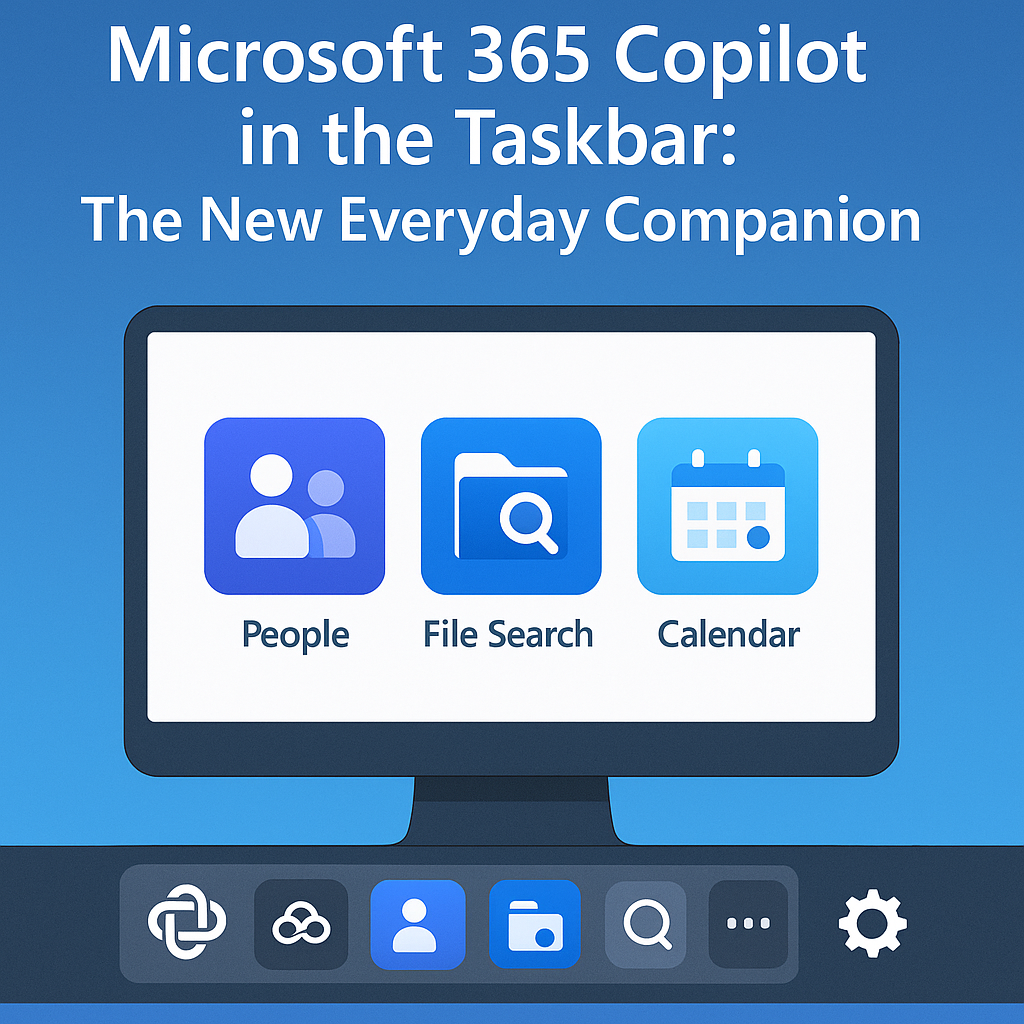 Enter Microsoft’s latest move: embedding Copilot directly into the Windows 11 taskbar via three new lightweight apps—People, File Search, and Calendar (in preview). These taskbar companions aren’t about fluff—they’re about flow. Microsoft is effectively saying: “Hey, want your workspace to feel less like a circus and more like an efficient co‑pilot? Here you go.” And while they’ve detailed all of this on their official Microsoft 365 Insider blog, I thought I’d provide a quick overview here.
Meet Your New Taskbar Wing-Men
Here’s the lineup of apps making your life easier:
- People — Instantly brings up org charts, contact details, reporting lines. No more awkward “should I say Mr. or Mrs.?”
- File Search — Scours OneDrive, SharePoint, Teams, even Outlook attachments. Stop playing “file hide-and-seek.”
- Calendar — Lets you view your schedule and jump into meetings with a click without launching Outlook or Teams.
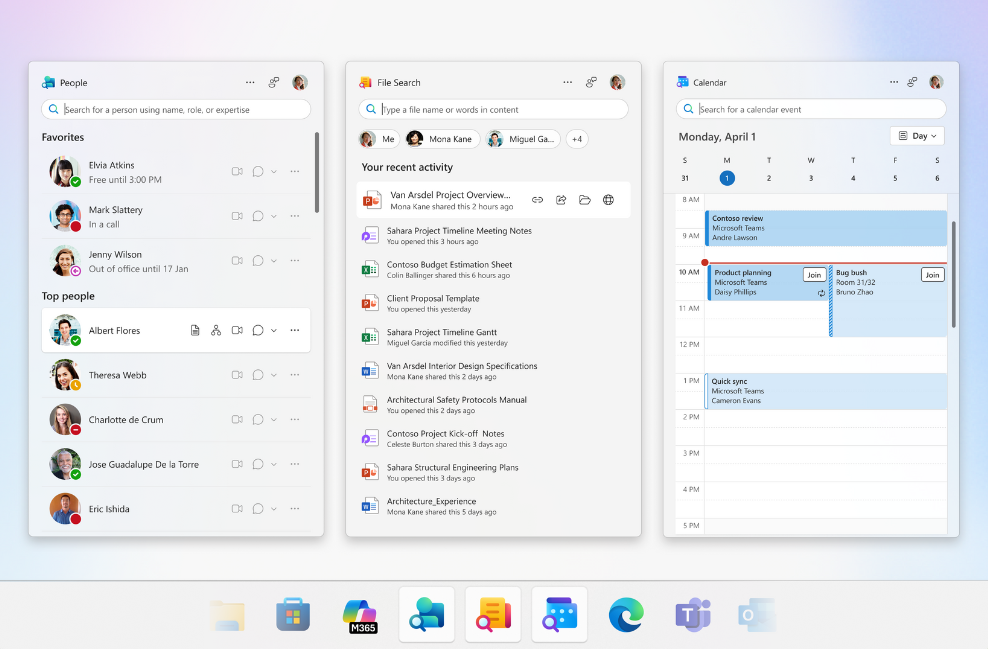
Microsoft provides these in the taskbar for eligible Windows 11 users who are part of the Microsoft 365 Insider Program for Business. Once you have access, you can always disable them, but let’s be real—they’re useful. You can read more over on Microsoft Learn.
Why These Matter (More Than You Think)
Here’s the thing about context switching—it’s subtle but deadly. Microsoft’s Work Trend Index report even points out that people spend almost 57% of their time communicating, not creating. Every app switch, every forgotten tab, chips away at your focus.
By dropping Copilot into your taskbar, Microsoft is effectively turning that 57/43 time split into more head-down work, less click-click pain. Your task becomes less about hunting and more about doing. These apps are less productivity tools and more productivity lifelines.
Some real-world scenarios for these new apps:
- Need-to-know org chart now: Meeting in 2 minutes with Sarah from Finance? People app, boom—see her role, team, and maybe even her favorite coffee.
- Help, where did that doc go? That absolutely vital “final‑final” deck is hiding somewhere in Teams… or is it in SharePoint? File Search finds it, fast.
- One‑click meeting entry: Calendar app shows the event—click, and you’re in the call without digging through Outlook or Teams.
These sounds small, but they’re focus-saving micro‑wins—and focus is the new currency.
Where’s This Going Next?
Today, it’s People, Files, Calendar. Tomorrow? Who knows—but imagine a To‑Do companion, or recent Copilot prompt history, or even context-aware Copilot agents per task type. Microsoft is subtly turning Copilot from a “feature you use” into an omnipresent co‑worker sitting quietly in your taskbar, ready at a moment’s notice.
To be honest, I was skeptical at first. Another taskbar thing? But these are the kinds of incremental productivity solutions that can have the greatest impact on your day-to-day tasks. How much time do you waste just finding things? These apps don’t just save a few clicks—they preserve your train of thought, which, in today’s chaos, might just be the single most valuable thing Microsoft is offering.
Microsoft’s new taskbar companion apps may appear modest, but their potential impact is huge. They cut through the clutter, reduce context switching, and keep your most-used tools just a click away. That’s not a feature—that’s a productivity revolution.