
Content Strategy: The Content Retirement Problem
There’s a comforting idea that floats around content marketing circles: evergreen content. Write something good, the thinking goes, and it keeps working for you indefinitely. Set it and forget it. Publish and move on.
I believed that for a long time. Then I caught myself mid-send, sharing a link to a not-so-old blog post with a prospective client, only to realize the tool I’d recommended in that post had been acquired and sunset last year. The stat I’d cited as evidence was from a 2017 report. And the framing no longer reflected how I talk about the work. The post was still ranking, still getting clicks, and (unfortunately) quietly undermining my credibility with every one of them.
 The content retirement problem isn’t just an SEO issue, though search performance is absolutely part of it. It’s a brand integrity issue. For independent consultants, practitioners, and small teams, your content library is your reputation working on your behalf while you’re busy doing other things. That’s only true if the library is actually saying what you want it to say.
In this installment of my ongoing Content Strategy series, I want to make the case for looking backward before you keep publishing forward, and give you a practical framework for doing it without turning it into a multi-week project.
“Evergreen” Has an Expiration Date
Let’s be clear about what evergreen actually means. It doesn’t mean permanent. It means slow-decay. A well-constructed foundational post built around durable concepts will hold up longer than a trend piece or a tool roundup, but longer is not the same as forever.
The decay accelerates in predictable ways: statistics age, platforms change, tools get acquired or discontinued, and your own thinking evolves. In an era where AI search tools are actively pulling from your content to answer questions at scale, outdated information now has more reach than ever before. That’s not an argument to stop publishing. It’s an argument to take the maintenance side of content strategy as seriously as the creation side.
Do a Content Audit Before You Write Another Word
Before adding more to your library, you need to know what’s already there and what shape it’s in. Most teams skip this step because it feels like housekeeping. It isn’t. It’s strategy.
Start simple. Export your posts, sort by publish date, and flag anything older than 18 to 24 months for review. As you work through the list, look for these warning signs:
- Traffic that has dropped significantly over the past year
- High bounce rates or declining search rankings
- Broken links or references to discontinued products and platforms
- Statistics tied to a specific year that’s long since passed
- Framing or language that no longer matches how you talk about your work today
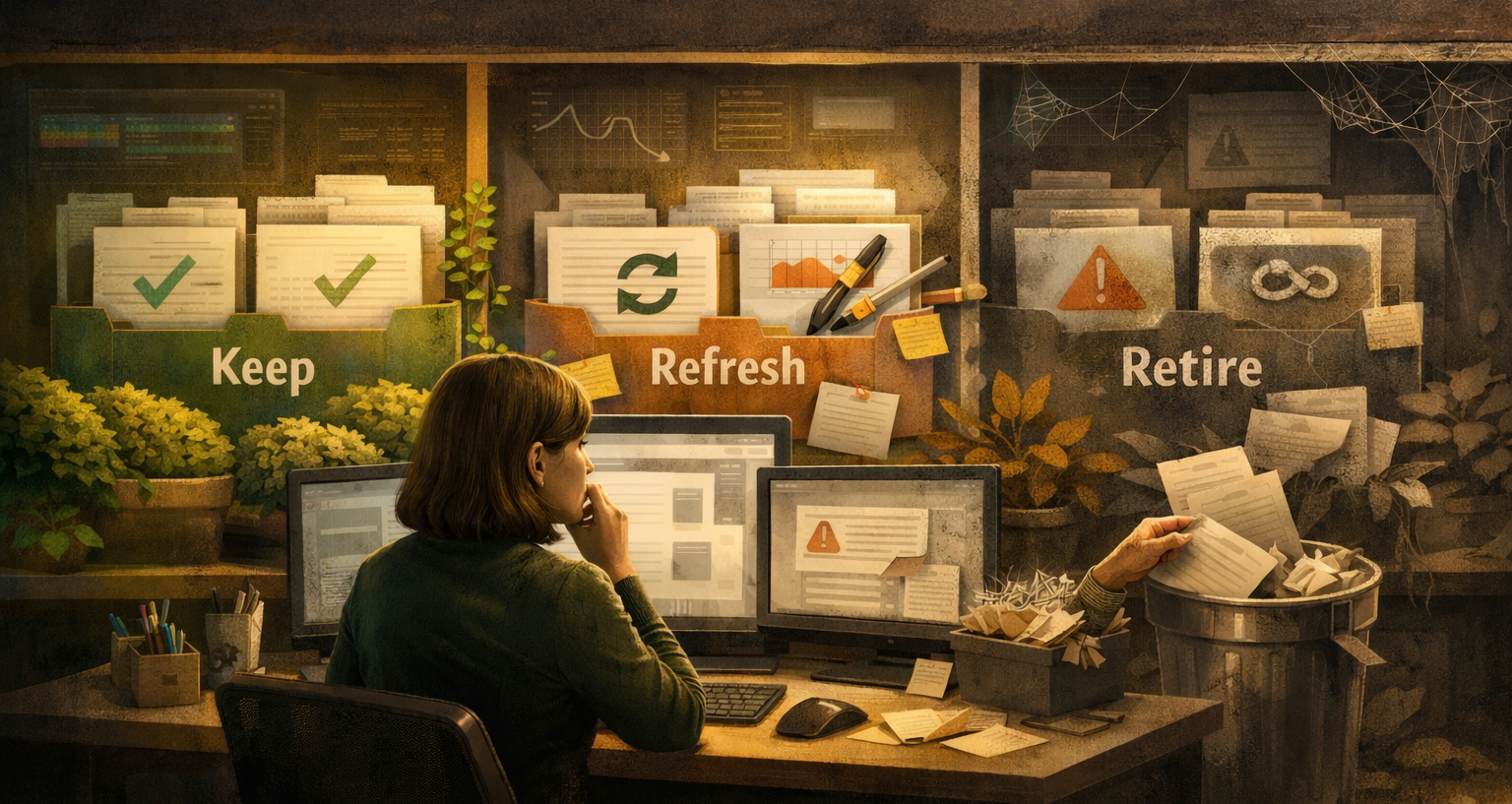
Sort everything into three buckets: Keep, Refresh, or Retire. Those three categories will drive every decision that follows.
Your Content Lifecycle
Keep as-is is for content that’s still accurate, still aligned with your current positioning, and still performing. Don’t touch it. Updating content for the sake of it can disrupt rankings that have stabilized over time.
Refresh is for content with good bones that has drifted. The core argument may still be sound, but the data is stale or the examples are dated. When refreshing a post:
- Update statistics and swap in current examples
- Fix or replace any broken or outdated links
- Re-publish with an updated date, which search engines treat as a freshness signal
- Ask the harder question: does this post still reflect how you think about the topic? Sometimes a refresh isn’t about facts. It’s about voice and positioning.
Retire is the category most people avoid, and it’s the most important one. Some content isn’t worth fixing. The premise may be outdated, the quality thin, or the topic no longer relevant to the audience you’re trying to reach. Keeping weak content in your library has a real cost: it dilutes the quality signal of everything around it and risks being the first thing a prospective client reads.
When retiring a post:
- If the URL has inbound links from other sites, redirect it to a stronger, related piece
- If it has no inbound links and no meaningful traffic, a clean deletion is fine
- Don’t try to erase your intellectual history. Curate it.
A useful gut check: would you willingly hand a prospective client a printout of every piece of content currently published on your site? If there are posts you’d skip or explain away, that’s your retire list.
Don’t Overlook Messaging Drift
Even content that’s factually accurate can work against you if it no longer reflects who you are and what you stand for. Positioning evolves. Language shifts. A post from three years ago might use terminology you’ve deliberately moved away from, or speak to a buyer you’re no longer trying to reach.
That doesn’t make the old post wrong. But it can make your library feel incoherent to someone reading across multiple posts trying to get a sense of who you are. A leaner, more consistent library tells a cleaner story than a sprawling one full of visible seams. This matters most for practitioners and consultants where the personal brand is the business.
Make It a Habit, Not a Project
A full audit sounds intimidating, but it doesn’t have to be. The first pass is the heavy lift. After that, it’s about a lightweight habit: a quarterly check-in, a simple spreadsheet you maintain over time, and a commitment to not let your library run on autopilot.
Keep publishing. The forward momentum matters. But set a reminder right now to go back and look at what you’ve already built. Your content library is your reputation working on your behalf around the clock. Make sure it’s actually saying what you want it to say.