SharePoint at 25: The Biggest Refresh Since 2016
Today, March 2, 2026, Microsoft celebrated SharePoint’s 25th anniversary with a live broadcast, a documentary preview, a wave of product announcements, and the kickoff of a two-week global hackathon. It was a big day. And if you’ve been part of this community for any length of time, it was hard not to feel something watching it unfold.
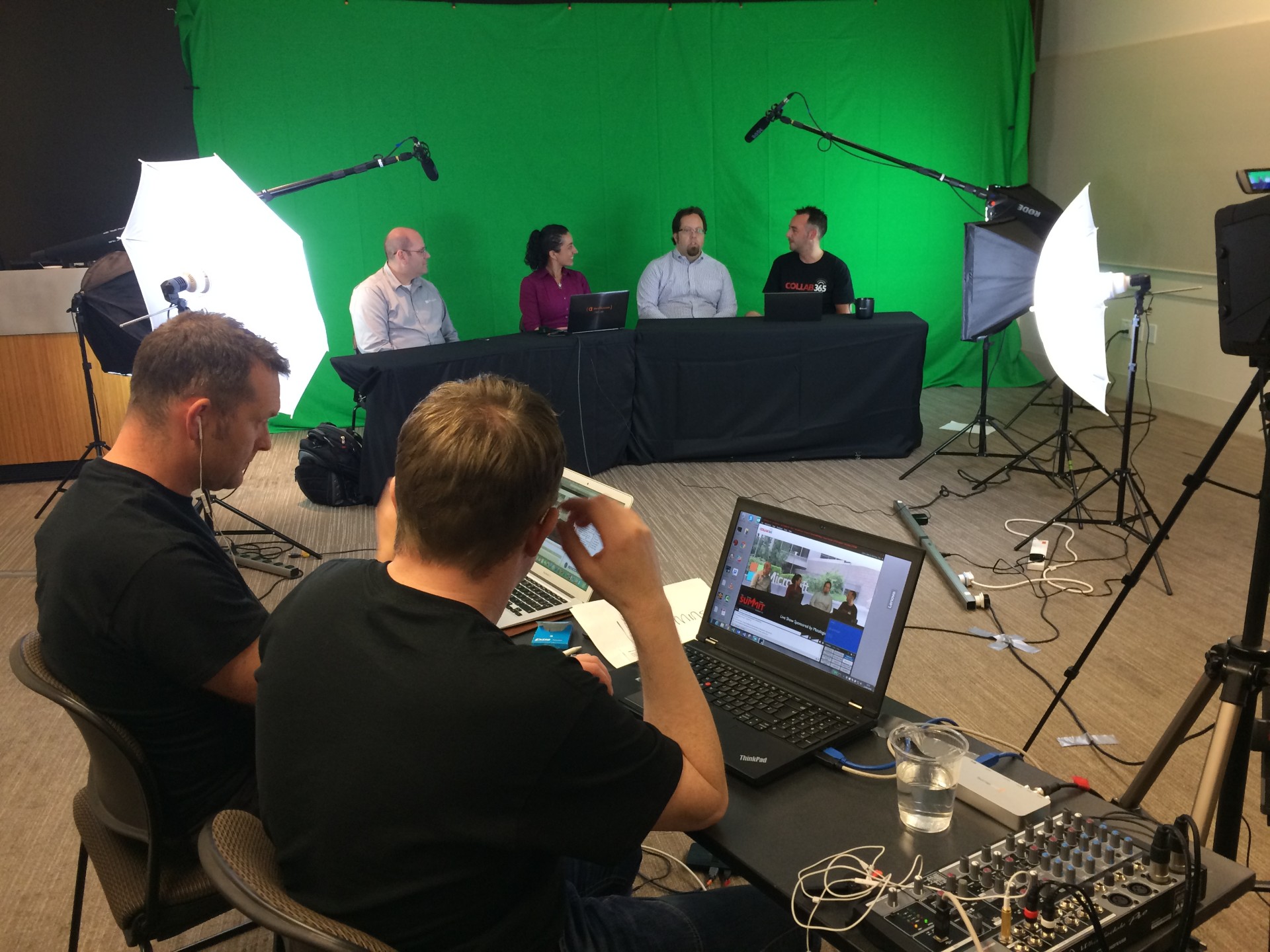
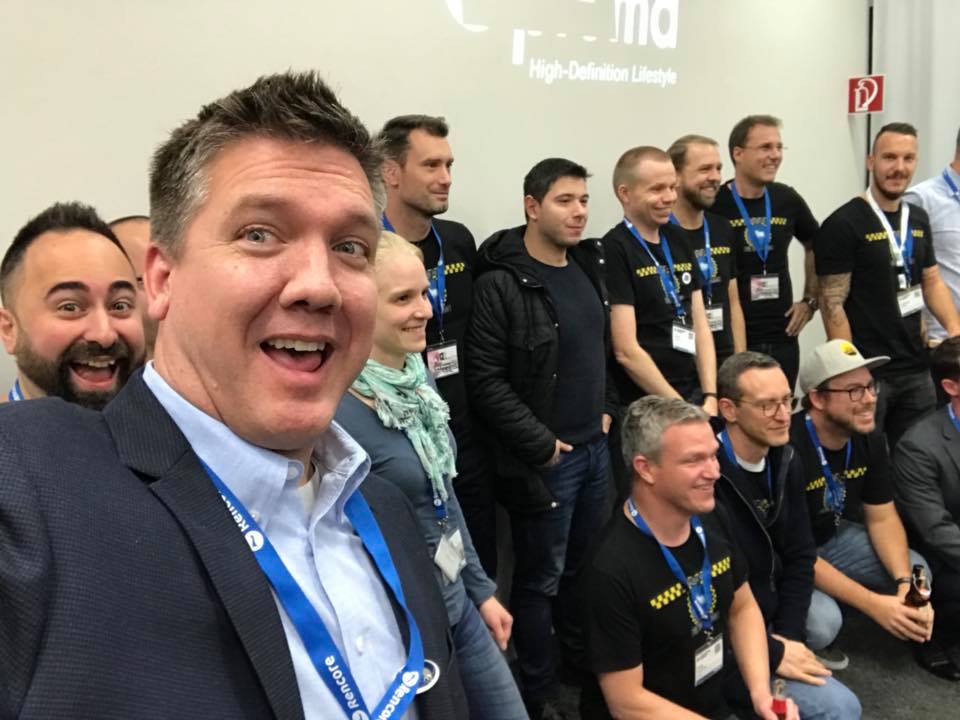 I’ve been writing about, presenting on, and building solutions around SharePoint for well over two decades. I’ve helped launch and run dozens of regional events across more than 50 countries. I’ve watched the platform evolve from a Windows Server add-on into the foundational content layer beneath Microsoft 365. And I was part of a small group invited to San Francisco in 2016 when Microsoft unveiled the last major SharePoint UX refresh, the one that introduced communication sites, modern pages, and a visual language that signaled the platform was finally shedding its legacy aesthetic. That moment felt significant at the time. Today’s announcement feels like its natural successor, but with considerably higher stakes.
A Platform That Outgrew Its Skin
The 2016 refresh carried SharePoint forward for nearly a decade, and it held up remarkably well. As highlighted by Microsoft’s Jeff Teper, Adam Harmetz, Karuana Gatimu and team, the product has grown enormously since then. Mobile and frontline worker scenarios exploded post-pandemic. Viva was born. Teams became the primary collaboration surface for hundreds of millions of users, with SharePoint silently powering the file storage beneath every channel. OneDrive moved onto the SharePoint platform. And now, with Microsoft 365 Copilot relying on SharePoint as its number one grounding source, the platform sits at the center of Microsoft’s entire AI strategy.
The product had simply outgrown its interface. As Kripal, one of the SharePoint product managers, noted during the post-event AMA, the portal side of the business was starting to look dated, and the team felt it was time to invest in re-simplifying the experience while building the UX foundation for an AI-first era. That reasoning tracks. You cannot bolt an agentic AI experience onto a ten-year-old interface and expect it to feel coherent.
The New Experience: Discover, Publish, Build
 The refreshed SharePoint UX, now available in public preview, reorganizes the product around three core user jobs.
- Discover replaces the old SharePoint Start page with a personalized front door that surfaces your most relevant sites, files, and activity.
- Publish consolidates the content creation and distribution workflow into a single workspace, unifying the best of SharePoint publishing and Viva Amplify capabilities so communicators can create once and reach people across SharePoint, email, Viva Engage, and Teams. (And for those of you who remember Beezy and their “ShareBox,” I’ve been telling Microsoft since 2015 to create their own version of this since 2015.)
- Build is the new home for makers, offering a central launchpad for creating and managing sites, lists, libraries, and agents from one surface.
A new app bar ties it all together, with a top-level link to your organization’s home site, dedicated nodes for each of those three core experiences, and a direct link to OneDrive. The Viva Connections app in Teams is evolving into the SharePoint app, which is a notable consolidation that simplifies the employee experience across web and mobile.
Microsoft reported a 99% keep rate from private preview users, which is a strong early signal. And during the AMA, the team clarified that individual users can toggle between the new and existing experience during the preview period, which should help with change management.
AI in SharePoint: Not a Chatbot, a Collaborator
The bigger story, though, is what Microsoft is calling AI in SharePoint. If you followed last fall’s Knowledge Agent preview, this is its evolution. The team renamed it to reflect that these are no longer standalone agent capabilities but native, built-in AI experiences woven into the SharePoint canvas. The name change is more than cosmetic. It signals that AI is becoming core SharePoint functionality, not an add-on you invoke separately.
 The experience surfaces through a floating action button (and yet another acronym, FAB) that stays contextually aware of where you are and what you’re permitted to do. From there, you can describe what you want to build, and SharePoint will generate a structured plan spanning sites, pages, lists, and libraries, then iterate with you like a teammate. Pages get a new “Vibe” authoring mode where you describe outcomes in natural language and AI builds rich web content directly on the canvas. Lists now support full natural-language operations: create, edit, update, format views, and ask questions grounded in your list data. Libraries can be organized by simply describing how you want content managed, with AI automatically extracting and applying metadata as documents arrive.
One of the most interesting announcements is SharePoint Skills, coming to preview soon. Skills let organizations codify their own standards, terminology, and business logic so the AI doesn’t operate generically. Think file naming conventions, brand tone guidelines, compliance rules, all baked into the AI experience so they’re enforced automatically for every team, every time. This is the kind of feature that separates a demo from a deployment. Generic AI is interesting. AI that understands how your organization actually works is useful.
During the AMA, the team also confirmed that the initial rollout of advanced AI capabilities relies on Anthropic’s Claude as the underlying model, alongside OpenAI models, reflecting a model-agnostic architecture where the backend routes requests to whichever model best fits the task. Depending on your location, you may need to opt in to allow Anthropic as a sub-processor. The team acknowledged this won’t work for every customer and committed to addressing it before general availability.
Important licensing note: AI in SharePoint requires a Microsoft 365 Copilot license. Without it, users won’t see the FAB or any of the contextual AI skills. However, unlicensed users can still benefit from downstream effects. If a licensed teammate configures auto-fill metadata on a document library, for example, that metadata will populate automatically for everyone who uploads to it.
Governance Gets Smarter, Not Heavier
 On the admin side, the SharePoint Admin Agent is gaining new agentic skills for permissions analysis, site lifecycle management, and storage insights, all accessible through natural language. Admins can ask questions like “what sites are being overshared?” or “where do we have permission risks?” and get actionable answers that span sites, files, Teams recordings, Loop components, and more. This is huge. We’re very close to being able to ask SharePoint “How do you feel?” and if its underperforming, “Where do you hurt?” 😉
This matters because governance has always been SharePoint’s quiet superpower, and it’s now more critical than ever. As one of the product managers put it during the AMA, the volume and pace of governance reporting has been increasing, and admins are spending too much time reasoning over detailed reports to figure out what to do next. The agent reduces that cognitive load by surfacing only the relevant actions based on the admin’s intent.
What This Means for the Community
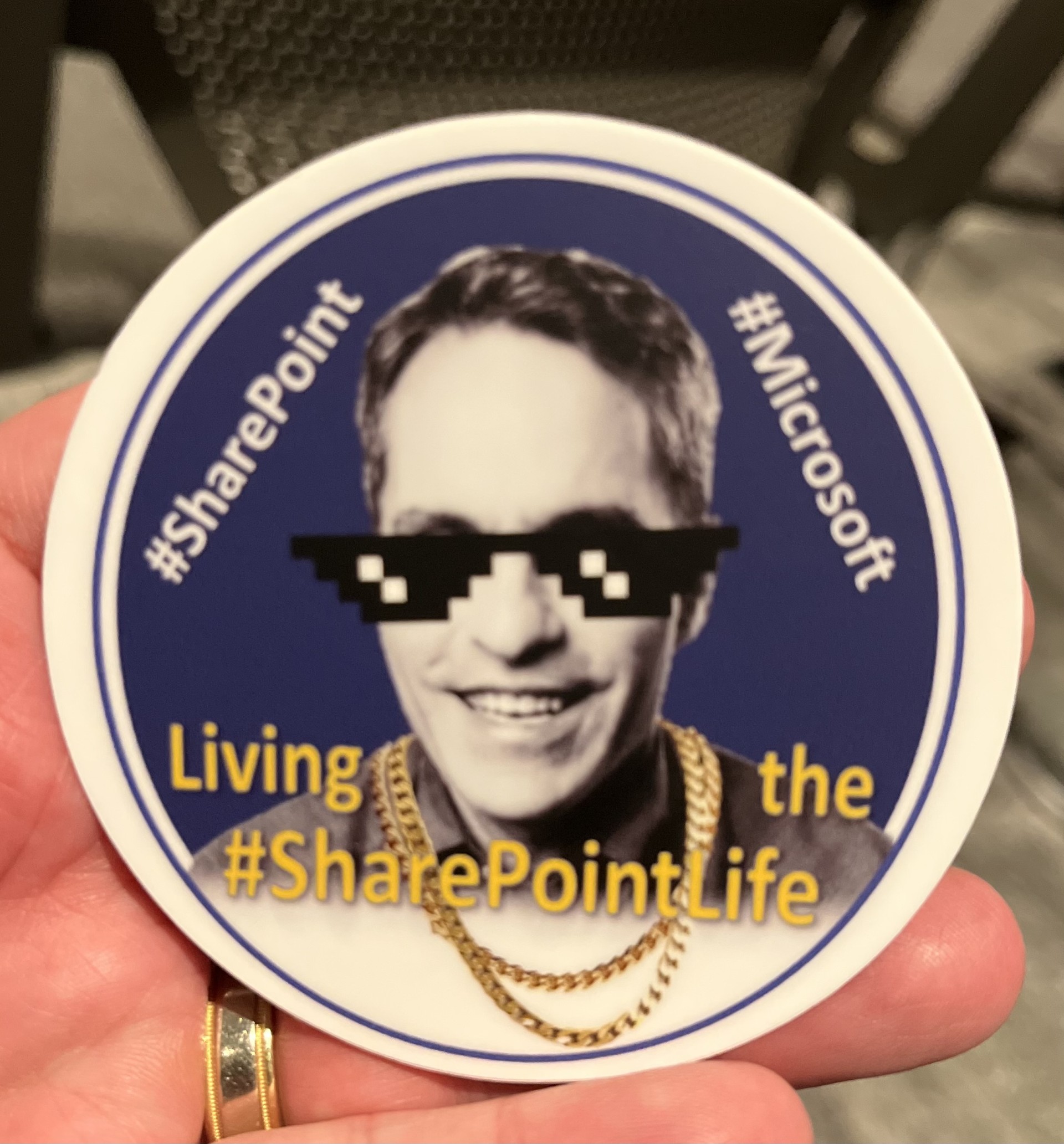
The broadcast opened with a preview of “More Than Code,” an upcoming documentary about the SharePoint community that will premiere at the Microsoft 365 Community Conference in Orlando this April. As a long-time community leader, I’d really excited to see this film (and fingers crossed that the #ShareQuilt will make an appearance). If you’ve ever attended a SharePoint Saturday, run a user group, or spent your own weekend helping others learn the platform, you already know the energy they’re trying to capture. The community has always been the reason SharePoint kept getting better. Microsoft built the product, but the community finished it.
Today also marks the start of the SharePoint Hackathon, running through March 16 and open to everyone. You do not need to be a developer. There are categories for every role, with live streams, AMAs, and support throughout. Winning teams earn a Surface laptop.
 For those of us who remember setting up folding tables at community colleges (shout out to SLCC!) during SharePoint Saturdays, or the buzz of that 2016 reveal in San Francisco, today’s milestone feels earned. SharePoint is not just turning 25. It is stepping fully into its role as the knowledge foundation for an AI-powered enterprise. And if the last 25 years are any indication, it’ll be the community that decides whether that potential gets realized.
Links to Check Out
- SharePoint at 25 (Microsoft 365 Blog)
- Introducing New Agentic Building in SharePoint (Tech Community)
- Try the New SharePoint Experience (Public Preview)
- Try AI in SharePoint (Public Preview)
- SharePoint Hackathon
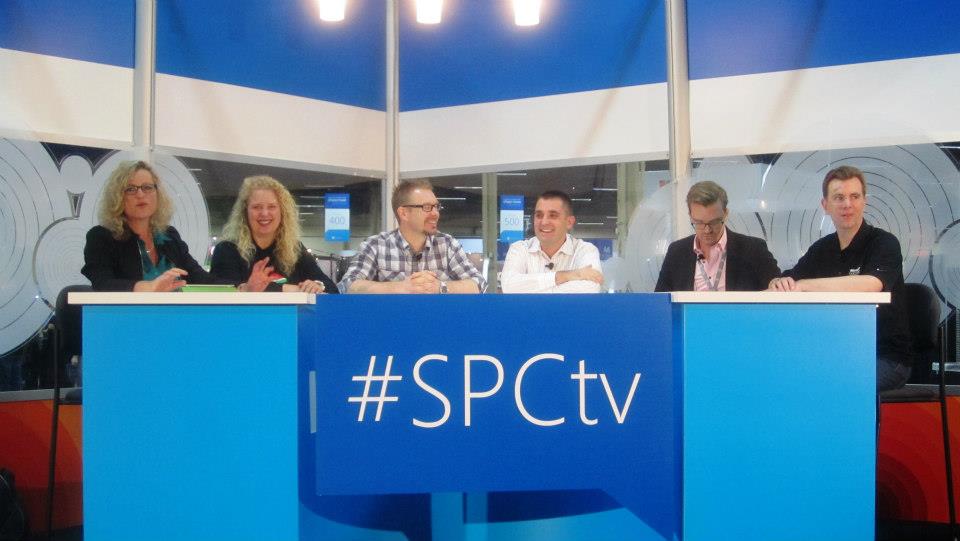
And now for some additional SharePoint community photos from over the years: