
The Costs of Automation That Never Make It Into the Budget
I have a theory about why so many automation projects run into trouble 12 to 18 months after launch. It is not that the automation was poorly built. It is that the organization budgeted for design and build but forgot about everything that comes after.
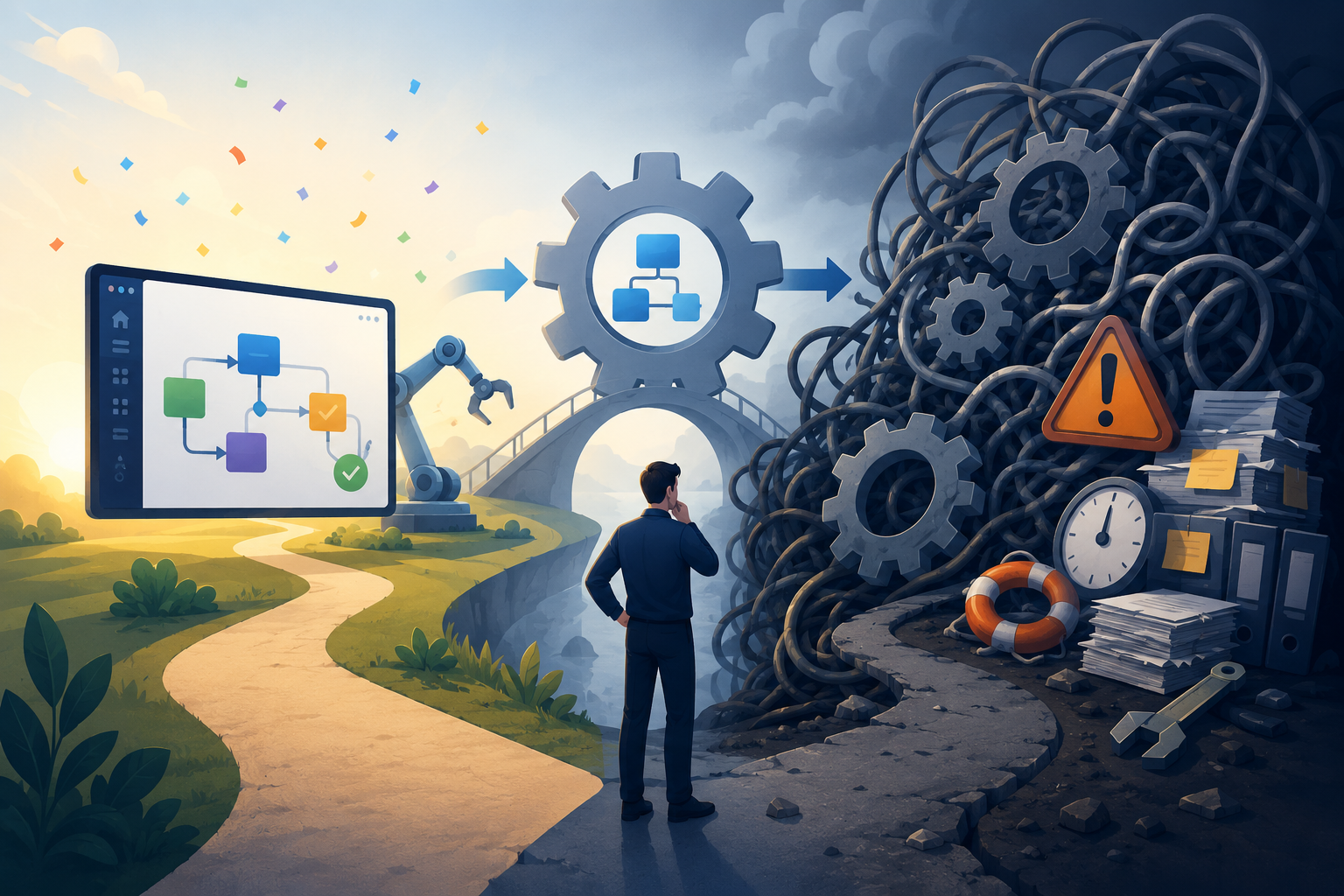 I’ve lost count of how many times I have watched this play out. Organizations invest heavily in designing and building an automation, celebrate the successful launch, and then act as though the project is finished. In reality, the most expensive phase is just beginning. Maintenance, training, and change management become ongoing operational costs, yet they are rarely included in the original business case.
Maintenance Is Not Optional
Let me start with the most obvious hidden cost: maintenance.
Every workflow that connects to more than one system requires ongoing attention. A Power Automate flow that integrates SharePoint with Outlook, Teams, and a third-party service has multiple potential points of failure and multiple update cycles to monitor. When Microsoft changes an API or updates a connector, the flow may need adjustment. When a third-party service modifies its authentication model, the integration can break.
None of this is unusual. It is simply the reality of maintaining connected systems. Yet maintenance is rarely budgeted as an ongoing operational expense. The assumption seems to be that once the workflow is deployed, it will continue running indefinitely without human intervention. In my experience, that assumption rarely survives the first few rounds of platform updates and business changes.
Training Is a Recurring Investment
The second hidden cost is training, and this one compounds over time in ways that catch organizations off guard.
Every custom workflow requires onboarding. New team members need to learn not only the business process but also the specific mechanics of how the automation supports it. If the workflow includes custom forms, conditional logic, or non-obvious routing, the learning curve becomes even steeper. Every promotion, new hire, or departure starts the process over again.
Building a custom solution also means accepting responsibility for teaching people how to use it. Even well-designed workflows require context that only exists inside your organization. Unless ease of use is treated as a design requirement from the beginning, training becomes a permanent operational expense rather than a one-time implementation task.
This is one reason I advocate for building solutions that are as intuitive as possible and that live where users already work. Every unnecessary click, decision, or explanation you eliminate today reduces the cost of onboarding every future employee.
Change Avoidance: The Cost You Cannot See
The third hidden cost is the most insidious because it does not look like a cost at all. It looks like stability.
When a workflow becomes complex enough that people are afraid to modify it, the team begins working around it instead of improving it. Manual steps creep back into the process. Someone creates a spreadsheet to track the exceptions the workflow no longer handles. Someone else starts forwarding emails manually because the notification logic no longer reflects the current organization.
From the outside, everything appears to be working. The workflow still runs. The dashboards remain green. But underneath the surface, the automation has lost the trust of the people it was designed to help.
This pattern appears more often than many organizations realize. Once a workflow runs hundreds of times each week and contains dozens of interconnected steps, even small changes begin to feel risky. Nobody wants to be responsible for breaking a business-critical process, so improvements are postponed. Over time, the workarounds become the real process while the automation slowly drifts further away from the needs of the business.
The Repair-or-Rebuild Decision
Eventually, the accumulated maintenance burden, training overhead, and change avoidance reach a tipping point. At some point, someone asks the inevitable question: Do we fix what we have, or do we start over?
Neither option is inexpensive.
Repairing a workflow that few people fully understand carries significant risk. Rebuilding means investing time and money into solving a problem that everyone assumed had already been solved. Neither outcome was part of the original project budget, yet both are predictable consequences of treating automation as a project instead of an operational capability.
My advice is simple: budget for the long tail from the beginning.
Plan for maintenance. Expect employee turnover. Assume your business processes will evolve. Design for usability, document thoroughly, and revisit your automations on a regular cadence. The upfront investment required to build sustainably is almost always smaller than the downstream cost of repairing—or completely rebuilding—a neglected automation.